MagSafe cases: what the magnets do, and Tough vs Clear Impact
A MagSafe case has magnets built in, so MagSafe chargers and accessories snap on through it. What that gets you, and Tough vs Clear Impact.
Paperla Editorial
September 26, 2026
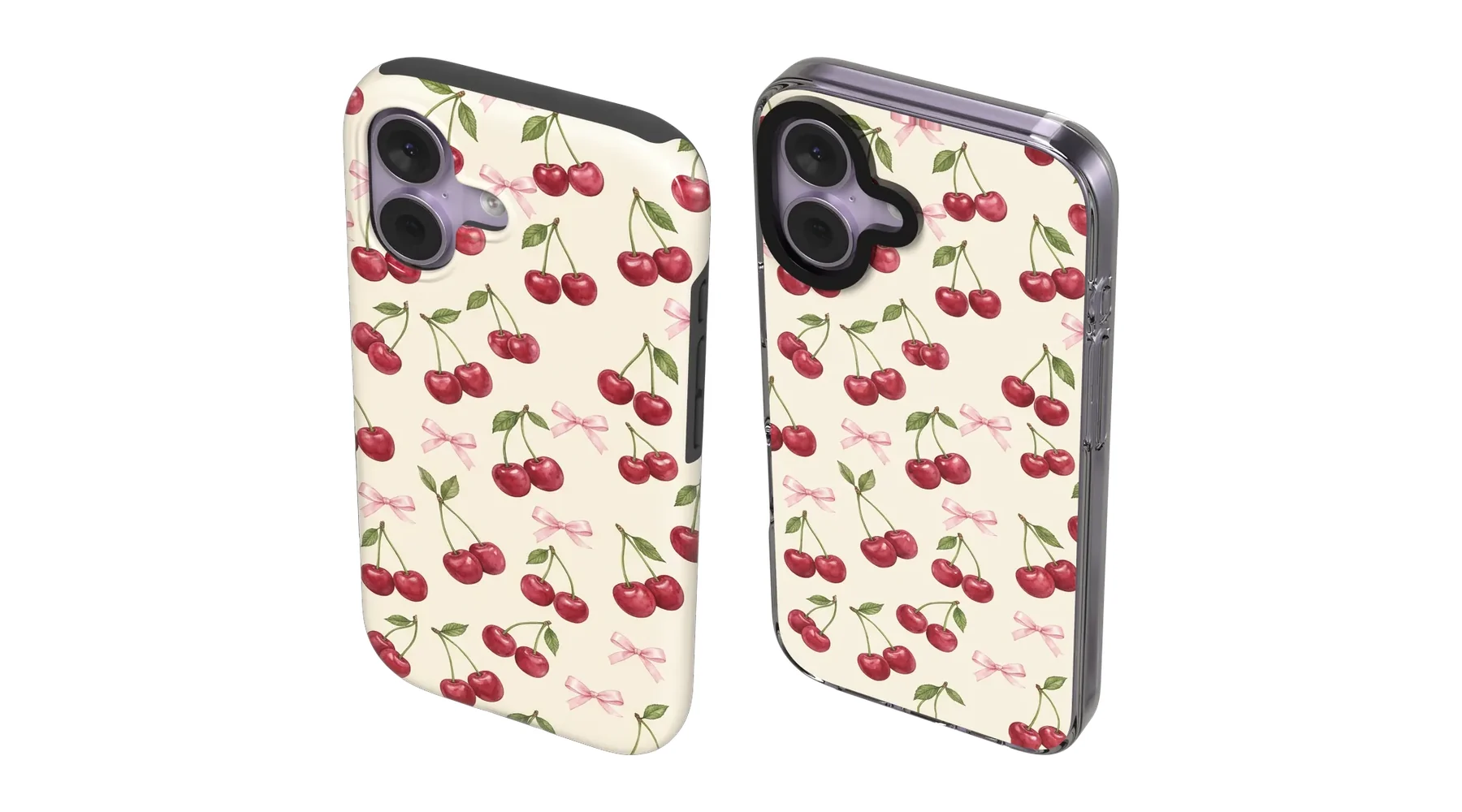
MagSafe is Apple's magnetic system on iPhone 12 and newer. The phone has a ring of magnets in its back, and chargers, wallets, stands and car mounts line up with it and click into place.
Any case sits between your phone and those accessories. A regular case weakens that magnetic hold, and a thick one can stop it working altogether. A MagSafe case fixes that with a ring of magnets built into the case itself, lined up with the ring in your phone.
What you get with a MagSafe case
- Chargers that stay put: a MagSafe charger snaps onto the back and stays aligned, so charging starts right away.
- Accessories that hold: card wallets, grips and stands attach firmly and come off with a gentle pull.
- Car mounts that work: magnetic mounts hold your phone securely on the road.
You don't need a MagSafe case to charge wirelessly, but you do need one if you want magnetic accessories to hold properly through the case.
MagSafe Tough case
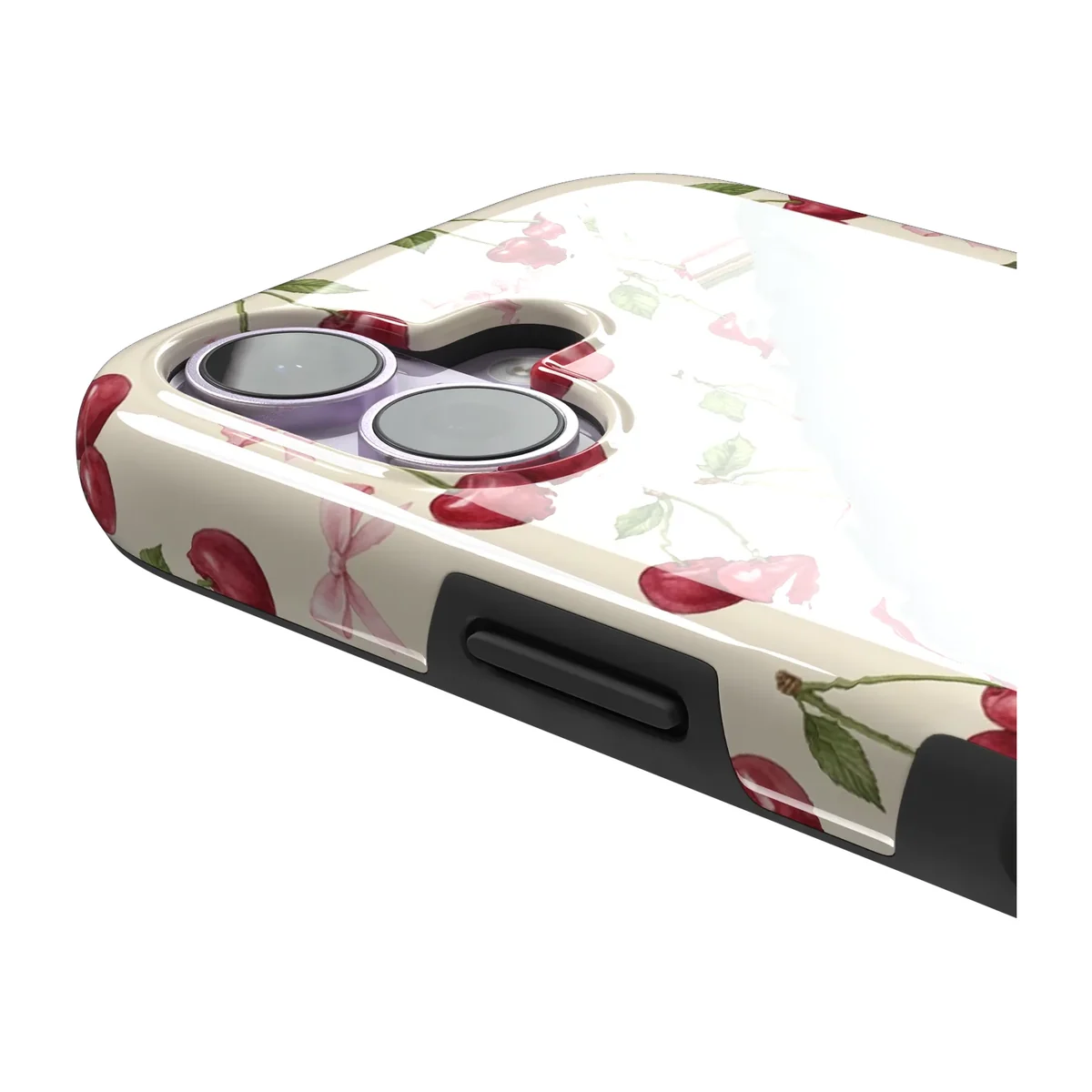
This is the Tough case with magnets. It has a hard, printed polycarbonate shell over a shock-absorbing black rubber lining, with the design printed edge to edge. The lining shows as a slim black rim.
Choose it if: you want the full-wrap design and the strongest drop protection, plus magnetic accessories.
MagSafe Clear Impact case
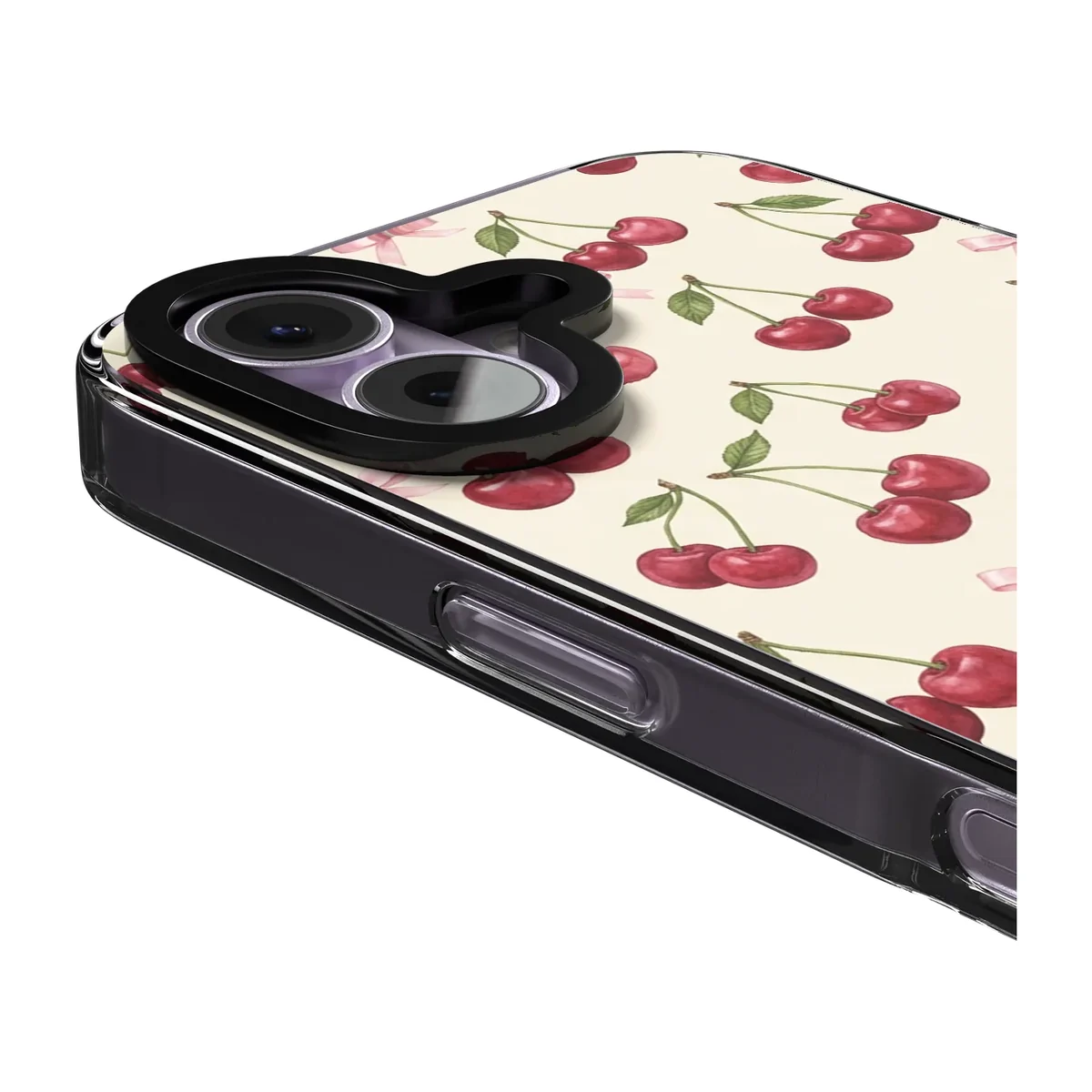
This is the Clear Impact case with magnets. It has a rigid, transparent back with flexible edges that take the hit on a corner drop. The design is printed on the back, so your iPhone's own color shows through.
Choose it if: you love the look of your phone's color and want MagSafe with solid protection.
Which phones can use them?
MagSafe Tough comes for iPhone 13 and newer, Galaxy S24 and newer, Galaxy Z Flip8, Pixel 10 and Pixel 11, and Xiaomi 17. MagSafe Clear Impact comes for most iPhones from iPhone 13 on. On other phones, you'll see the non-MagSafe versions of the same cases when you pick your model.
Pick one on your phone
Open any design, choose your phone, and select MagSafe Tough or MagSafe Clear Impact to see it from every angle.
Ready to see the quality for yourself?
Try our personalized design tool free. No commitment required.
About the author
Paperla Editorial
Editorial team
Make it yours.
Read other blog posts
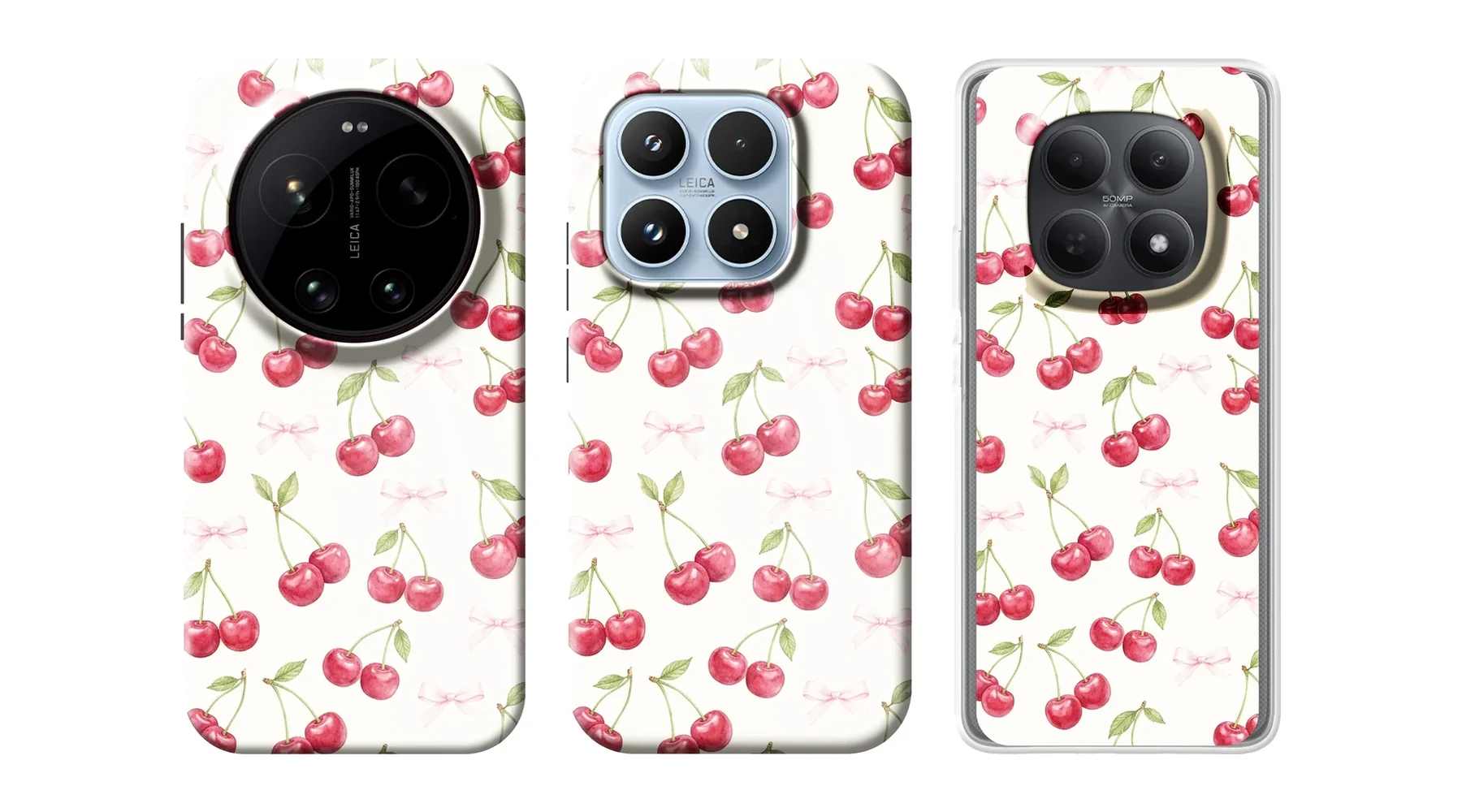
Xiaomi 17 and Redmi Note 15 cases: every style we make
Which case styles we make for Xiaomi 17, 17 Pro, 17 Pro Max, 17 Ultra, 17T, 17T Pro, Redmi Note 15 and Redmi Note 15 Pro.
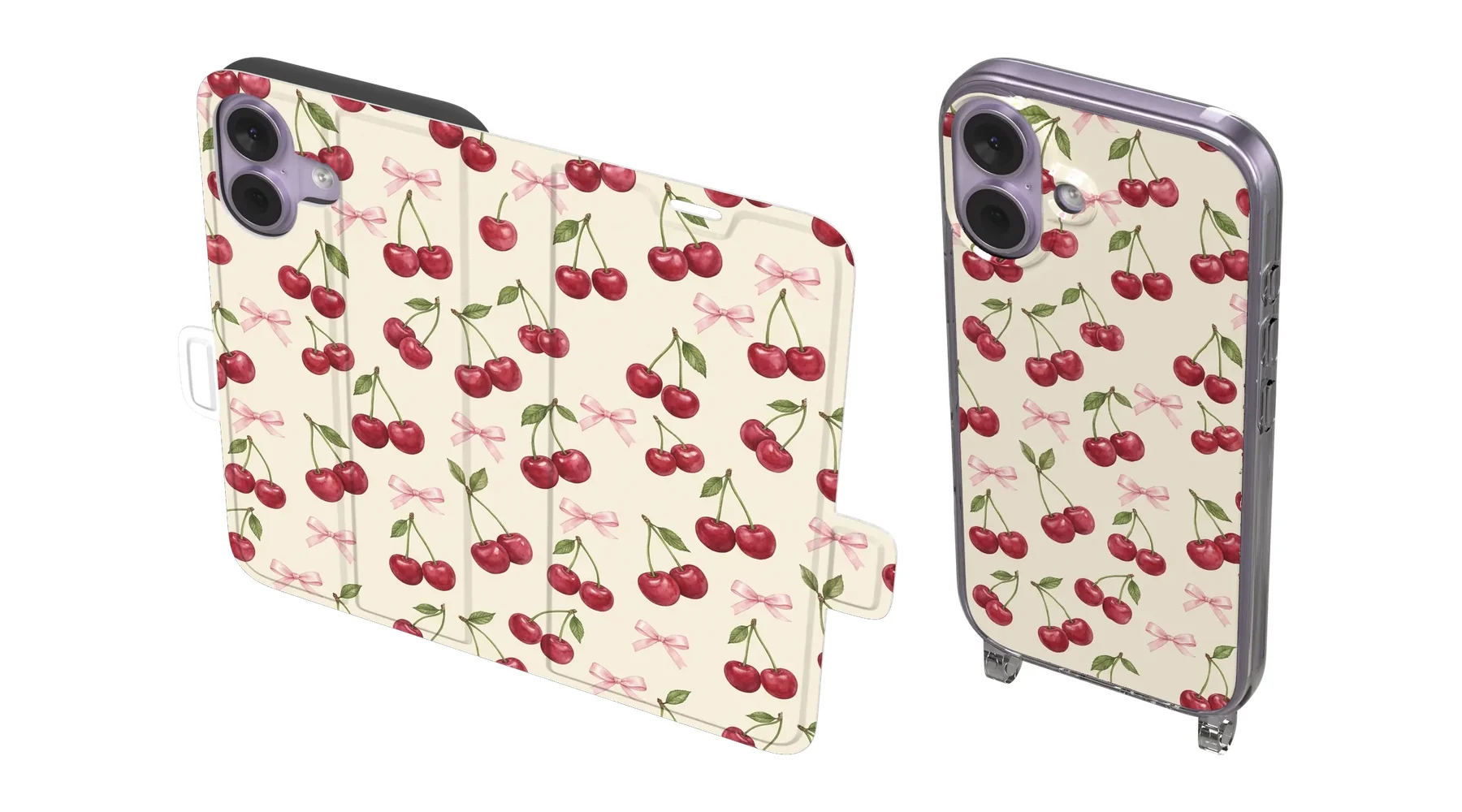
Wallet vs Crossbody case: carry less, or go hands-free?
A Wallet case replaces your wallet. A Crossbody case lets you wear your phone. Here's how each one works and who it suits.
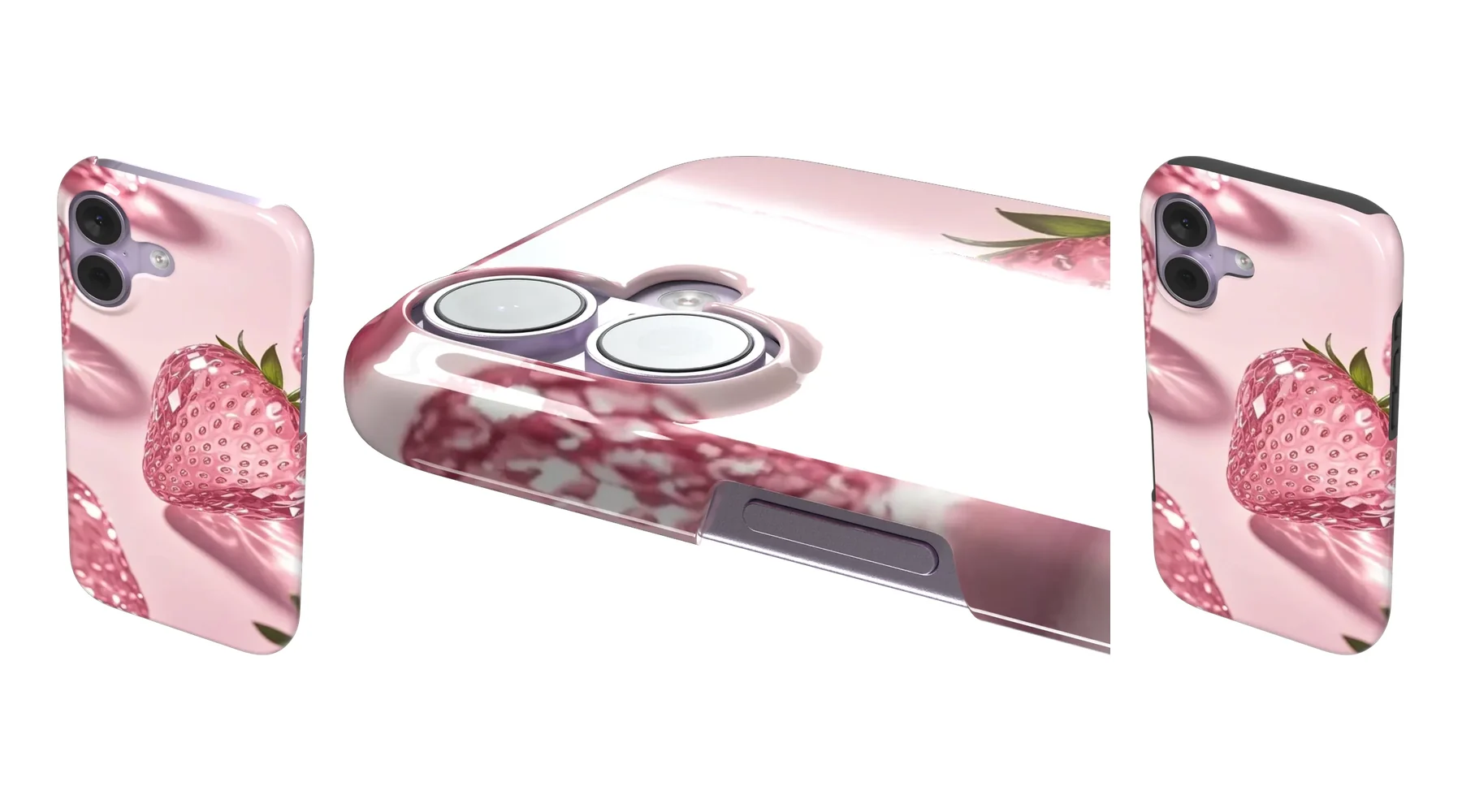
Snap vs Tough case: which one should you get?
A Snap case is one slim shell. A Tough case is a hard shell over a rubber lining. Here's how they differ in feel, protection and look, and who each one suits.